01 / SEND
Send
money.
Choose who to pay, then how they’ll receive the money.
 moovha
On your savings.
A wallet for your investments.
For stokvels and
savings groups.
We’re connecting the ways people get paid, save and spend, so a border or a bank account doesn’t decide what they can do next.
Whether you use Moovha, accept it, build it or back it, you have a part in making that possible.
Pay someone. Top up your card.
Send a gift or buy airtime.
Choose who to pay, then how they’ll receive the money.
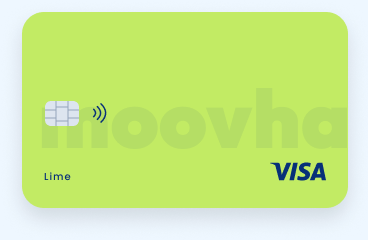
Top up your prepaid card from your rand or US dollar wallet.
Virtual or physical, in Lime, Ivory or Forest.Buy airtime and gift cards for yourself or someone else.
Rides. Shopping. Gaming. Entertainment.
Accept payments and tips with your Moovha Tag.
Choose which wallet receives the money.
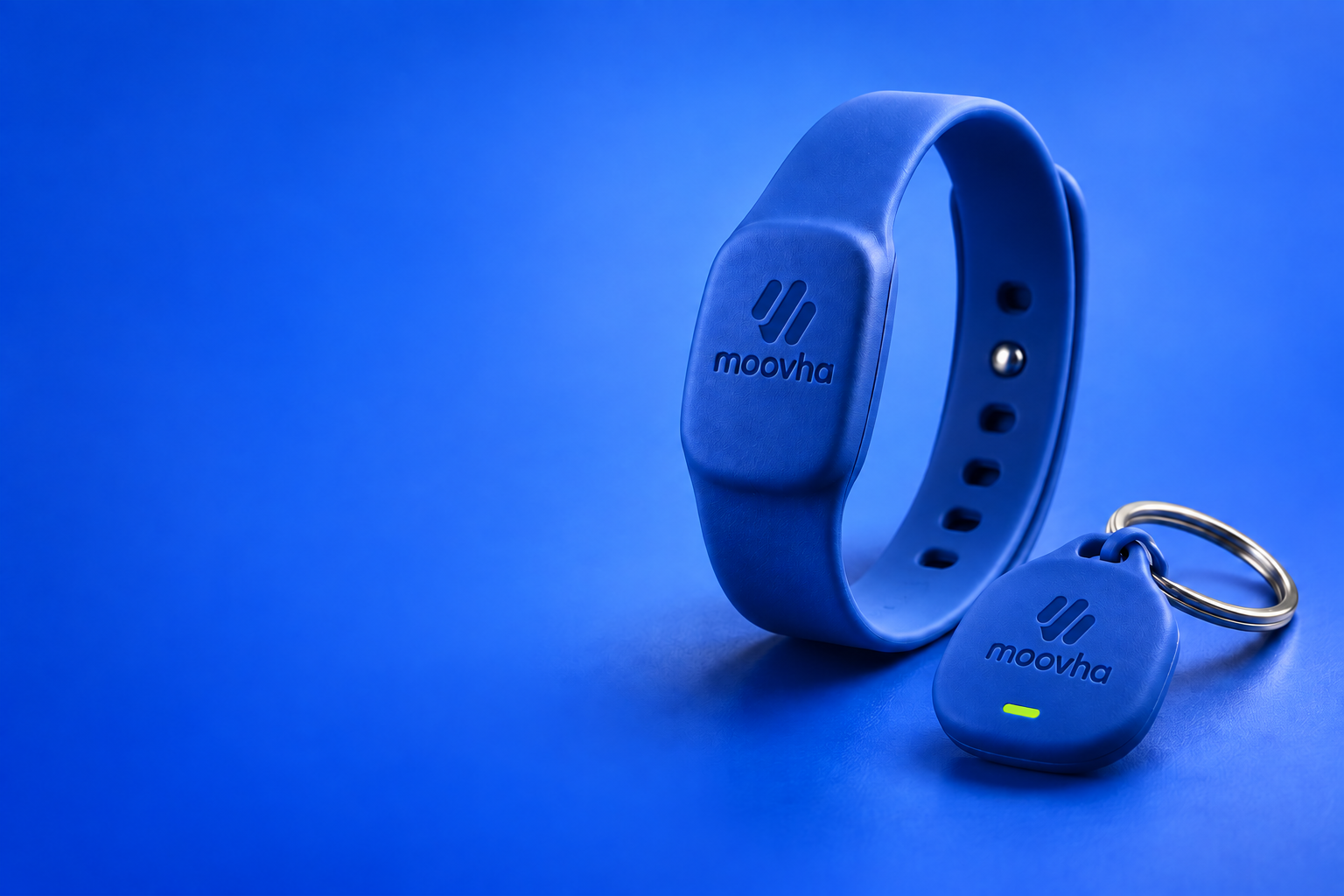 Moovha Tag · Product concept
Withdraw cash at supported FNB and Standard Bank ATMs in South Africa.
Hold rand and US dollars. Convert between them, and earn yield in supported currencies.


Selected reviews from Google Play.
5.011 reviews on Google PlayAs of 9 Oct 2026“reliable and easy to use”
“A very convenient app , It helps me a lot in doing my business between SA and Zim.”
“This is fast and secure platform for all financial services, I recommend this is 5stars”
Receive payments and tips, whether someone’s right beside you or paying from a distance.

Visiting South Africa? Top up your Moovha account with your card and spend like a local.

Your money stays in Moovha. Use it through local payment methods when you’re back in Zimbabwe.
Currently available in Zimbabwe only.

Send money, exchange currencies, add funds and buy airtime in WhatsApp.
Open WhatsAppOur vision is to connect currencies and local payment systems across all of SADC. So people and businesses can move money between neighbouring countries, and trade with the wider world, as easily as they do at home.
Build with us Our regional vision. Not all countries or currencies are supported yet.














Use Moovha in WhatsApp, or download the app.
On the app, sign up with your phone number.
Verify your identity to use your card and cash out.